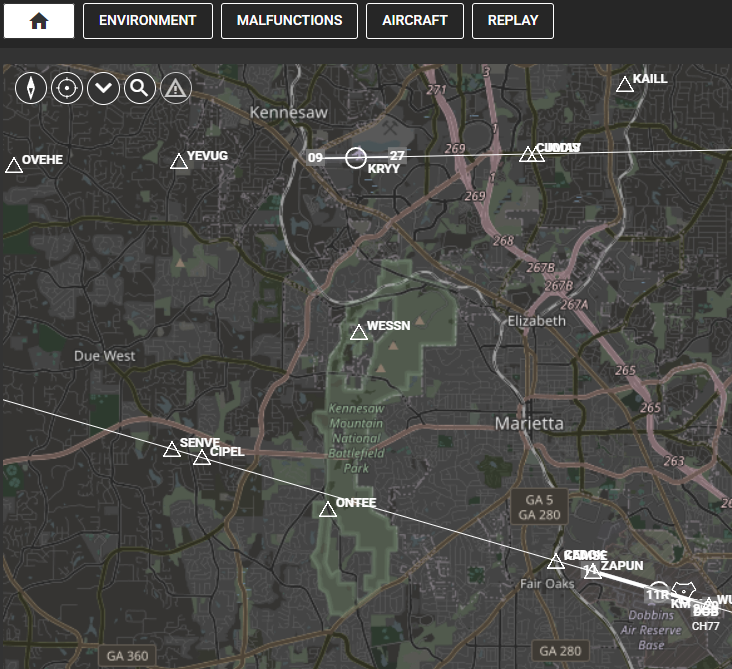
- From the top of the map page, click on the magnifying glass.
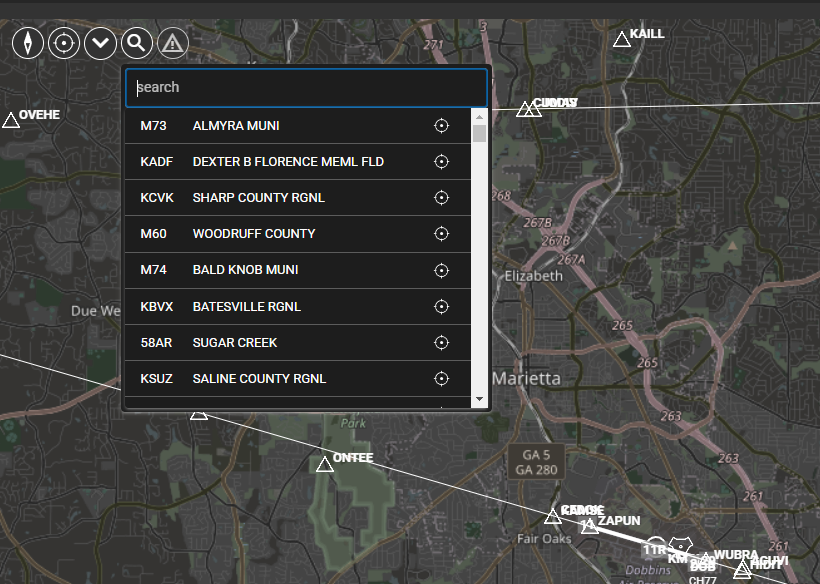
2. Enter the desired identiflyer.
3. Select the desired runway by pressing the T/O button.
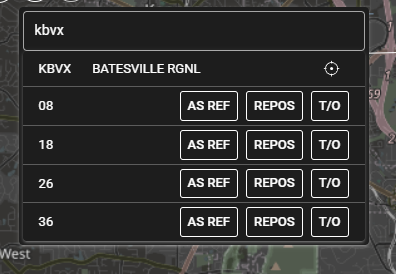
4. If you press REPOS the IOS will give you choices on the selected runway positions.
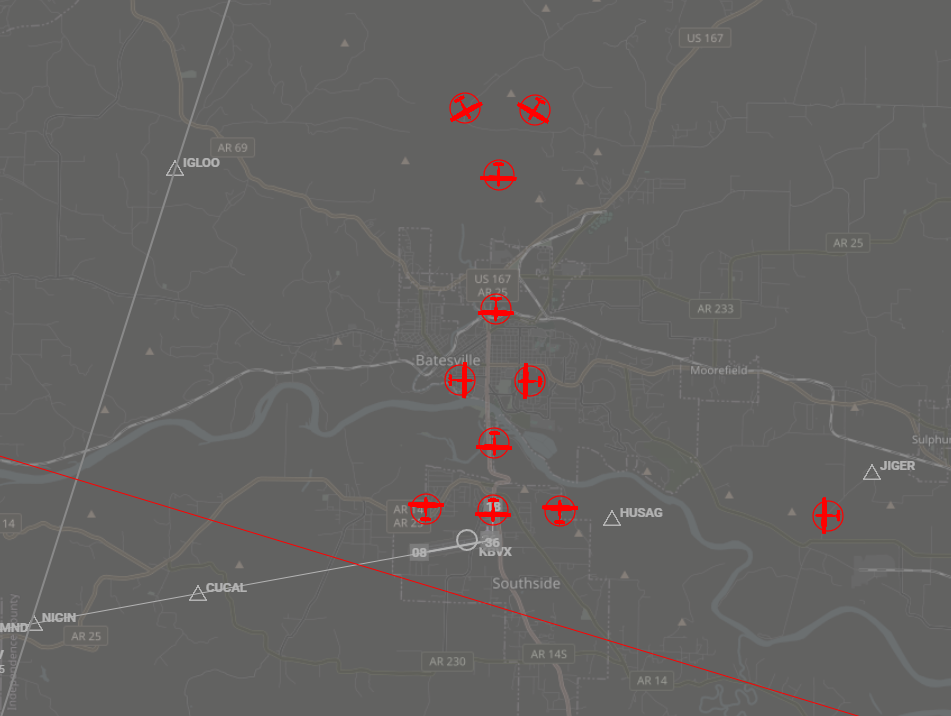
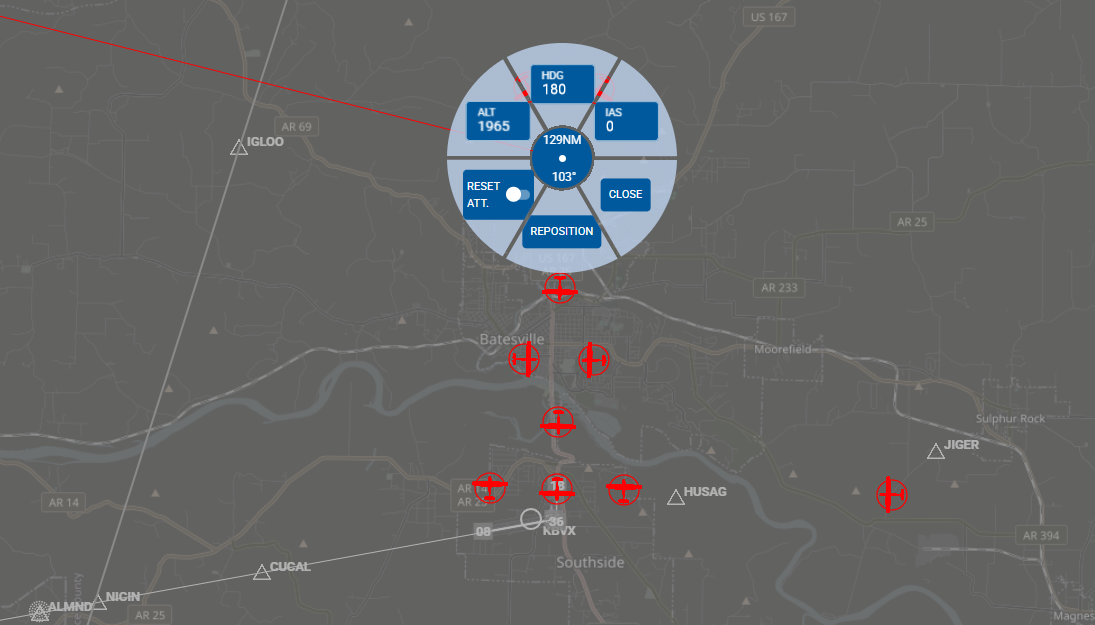
5. Once you have found the desired selection, press the red aircraft and press reposition.