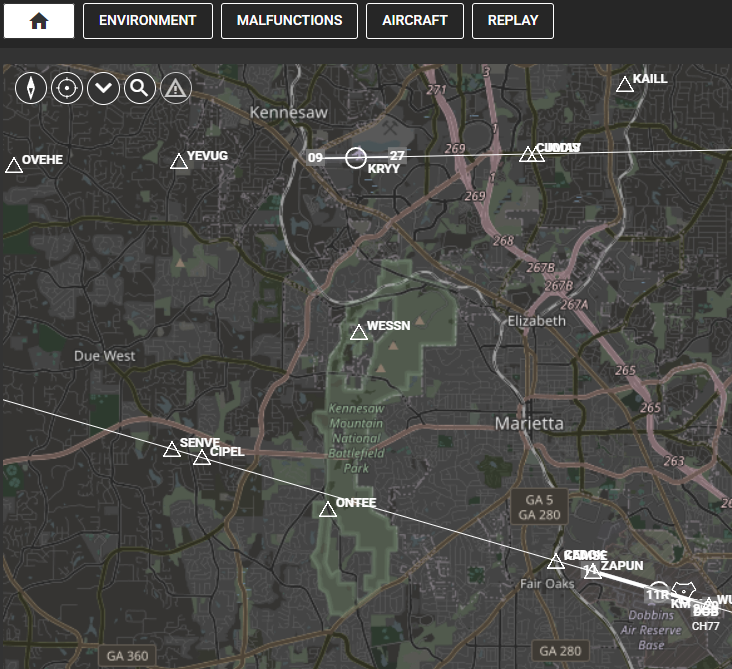
- On the map page, press environment.
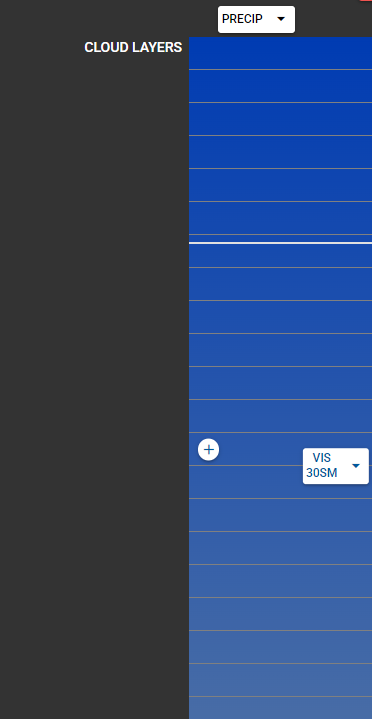
2. On the left side (cloud layers), press the + button.
3. Enter the top/base layer.
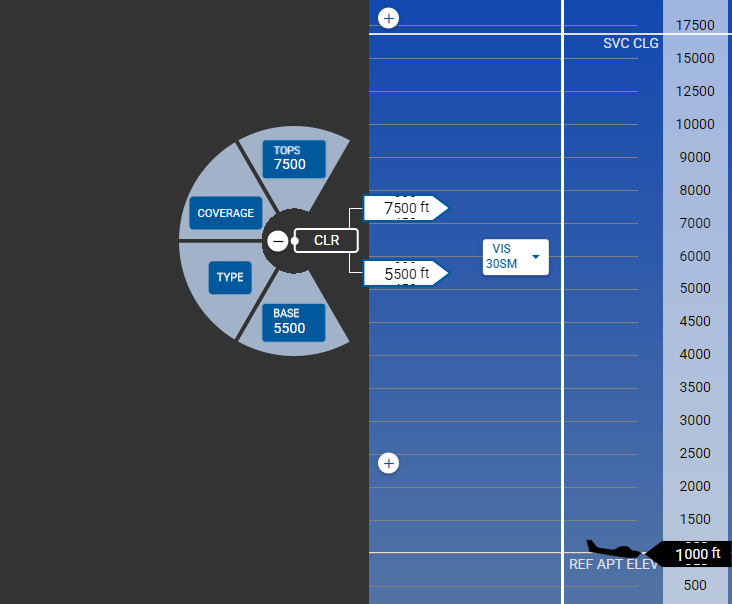
4. Press the coverage button to select the cloud type.
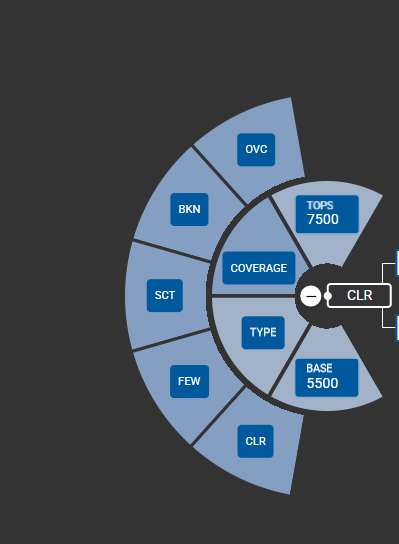
5. If you press the type, you can select ground fog.
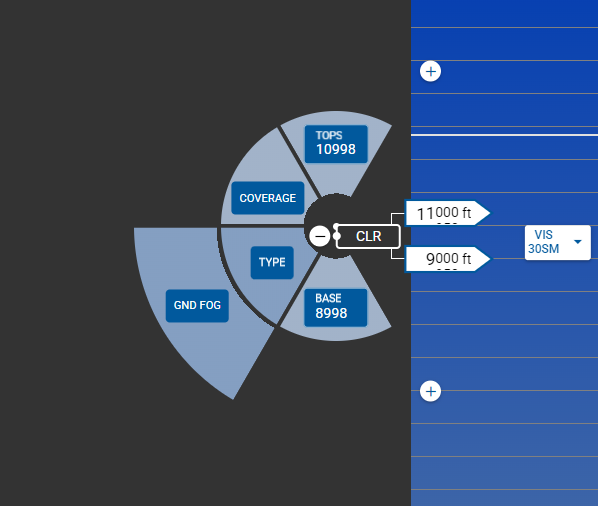
This input will take effect live as you make the changes.
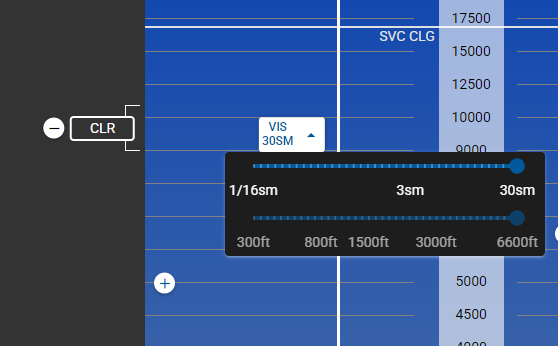
Also in the middle of the screen, you can select the visibility scale.